Create coupons
Reward members and others with coupons for discounted or free Bolt rides.
1. Open Coupons
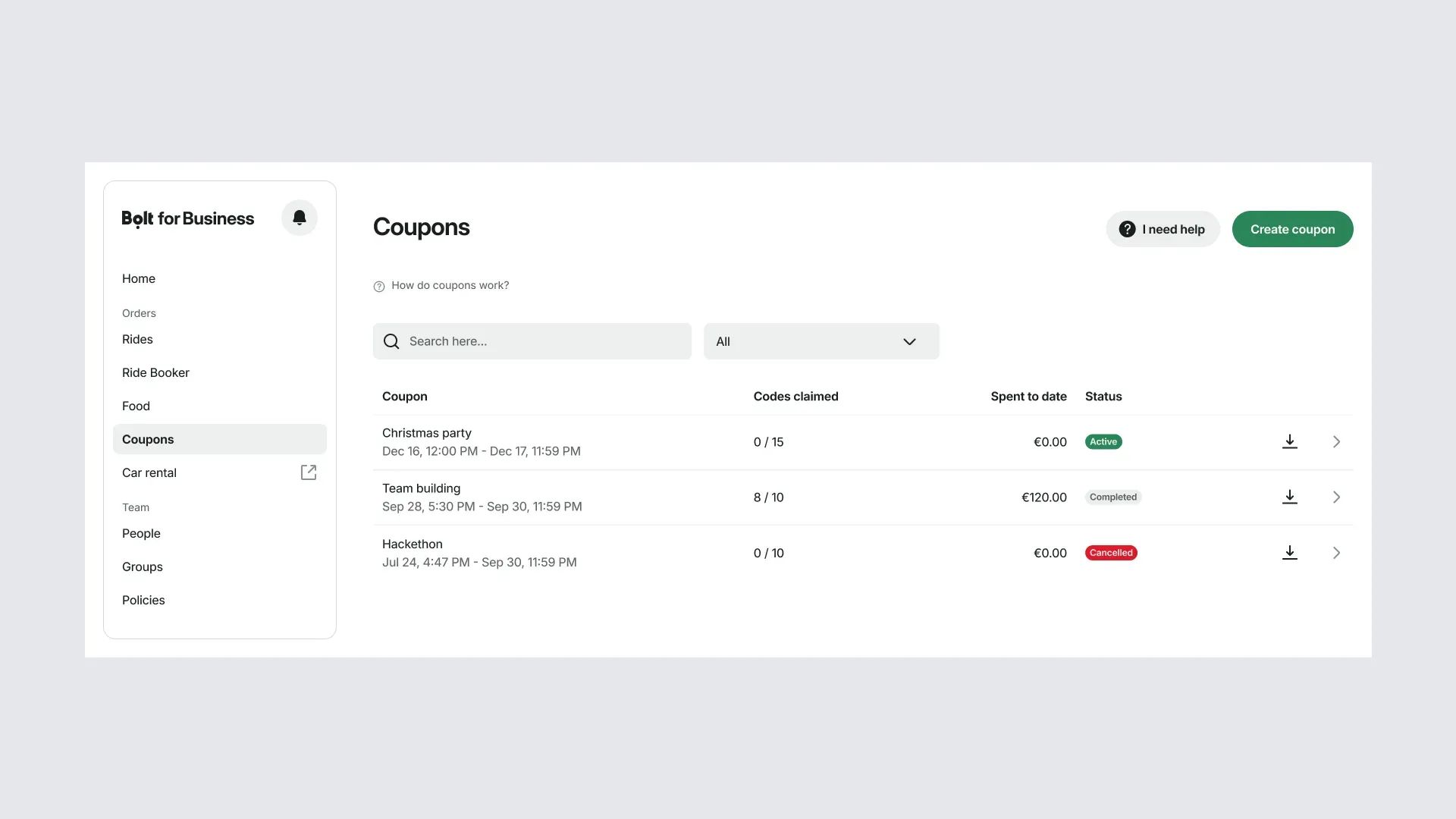
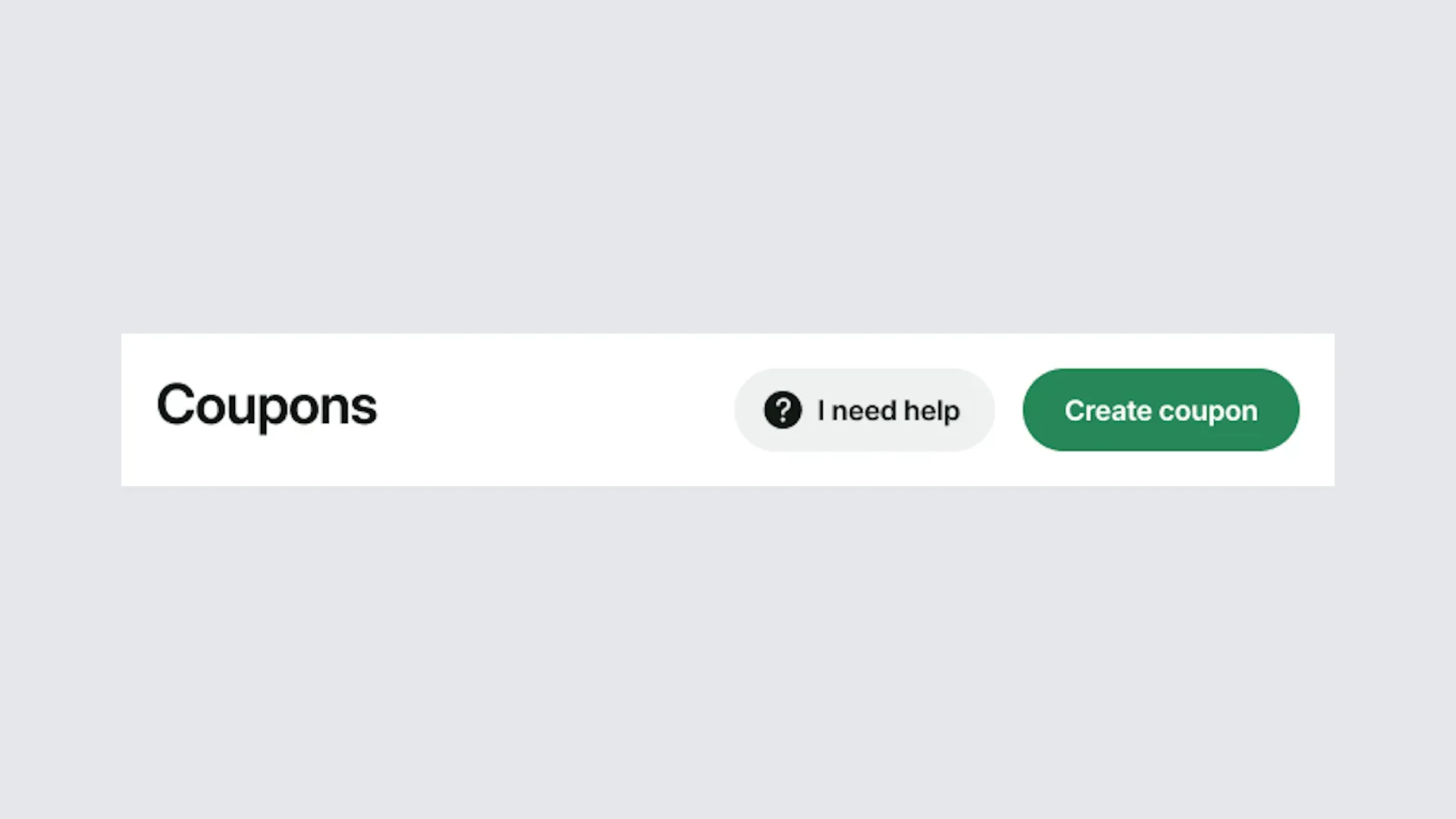
Sign in to the portal and select Coupons from the menu. Then select Create coupon.
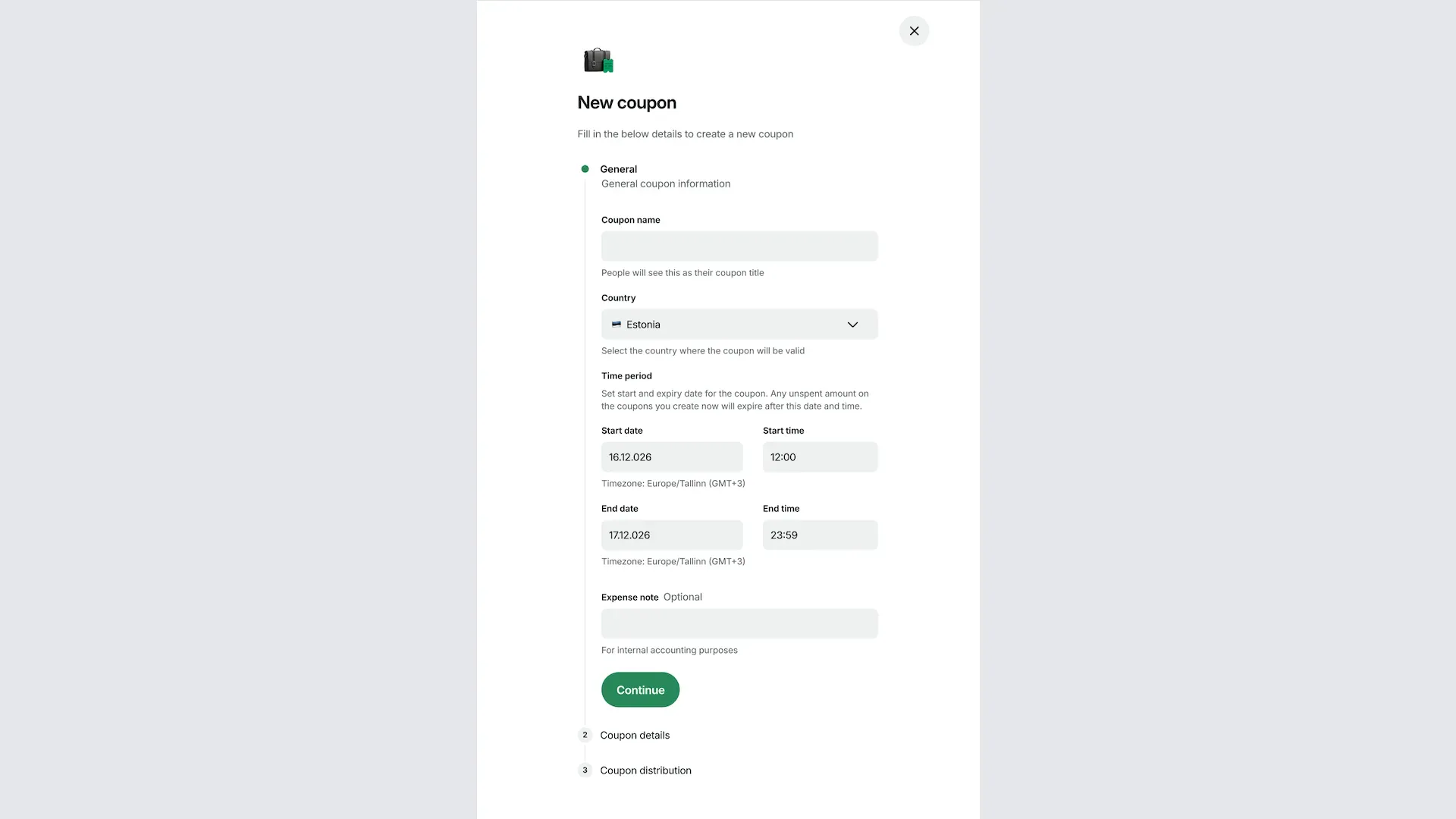
2. Add general information
Enter a name for the coupon, select the country where it's valid, set the start and end dates, and add an expense note if needed.
3. Add coupon detail
Choose the code type, enter the number of codes, and set the maximum budget per code. Individual codes are unique to one person, while a shared code can be used by anyone.
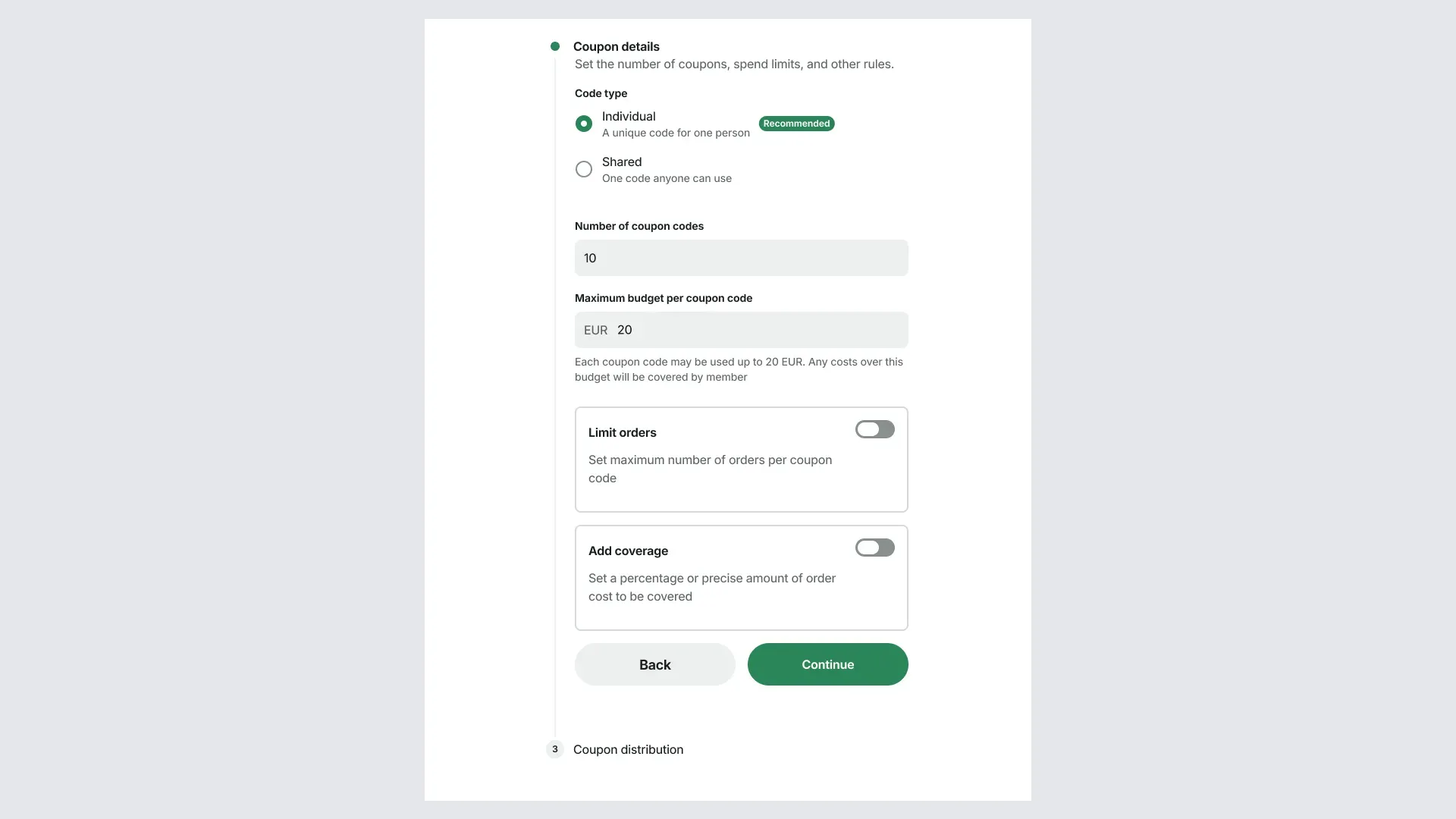
3a. Limit orders: turn on the maximum number of orders each code can be used for.
3b. Add coverage: turn on whether each code covers a percentage of the ride cost or a fixed amount.
4. Choose how to share the codes
Choose one of two options, then select Create coupon(s).
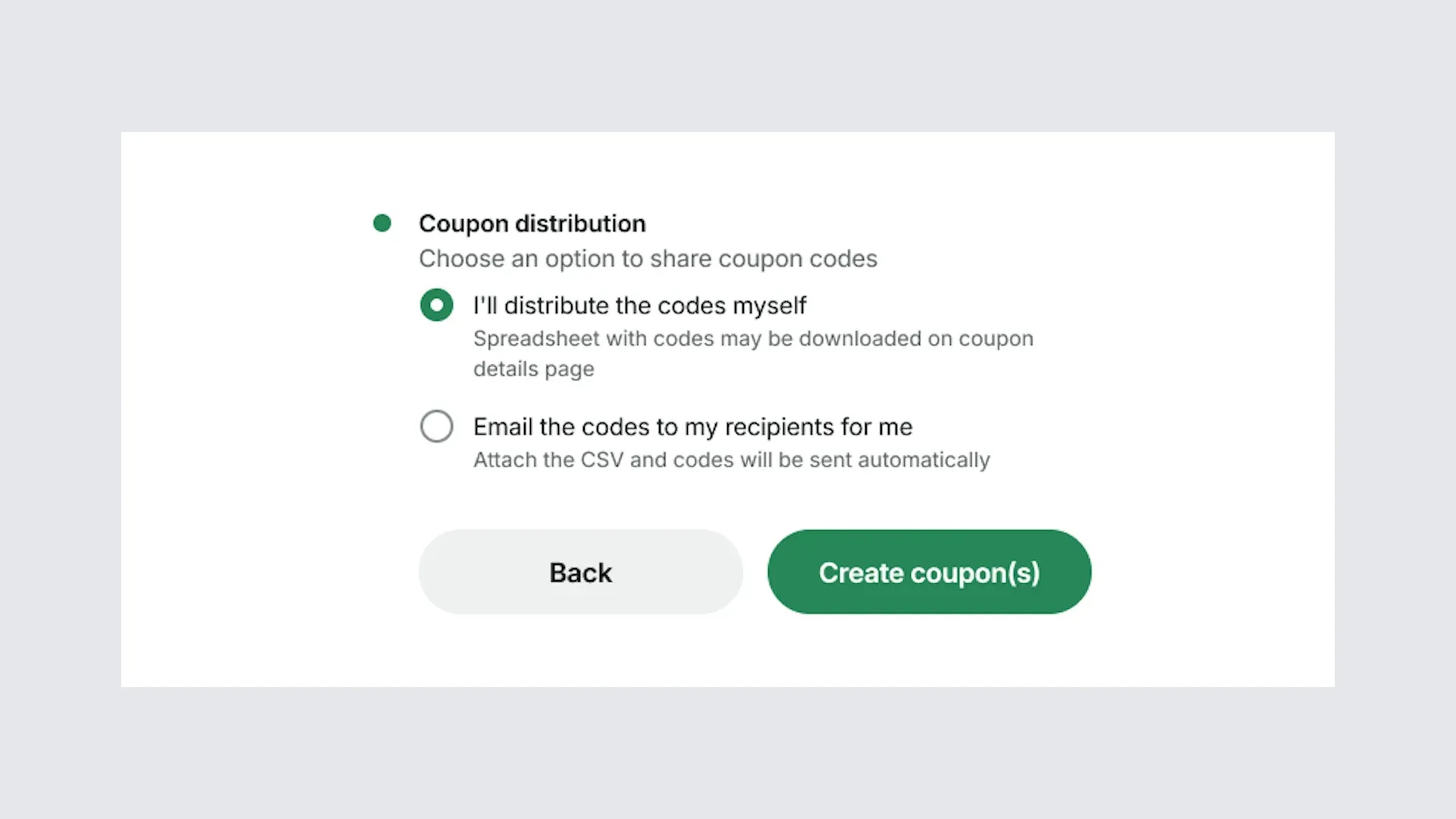
4a. Send the codes yourself: after the coupons are created, download the spreadsheet of codes from the coupon details page and send it to recipients.
4b. Let Bolt email the codes: attach a CSV file with email addresses and Bolt emails the codes automatically.
5. Keep track of your coupons
All the coupons you've created are listed under Coupons in the portal. You can see how many coupons have been claimed, the amount spent, and whether they're still active.