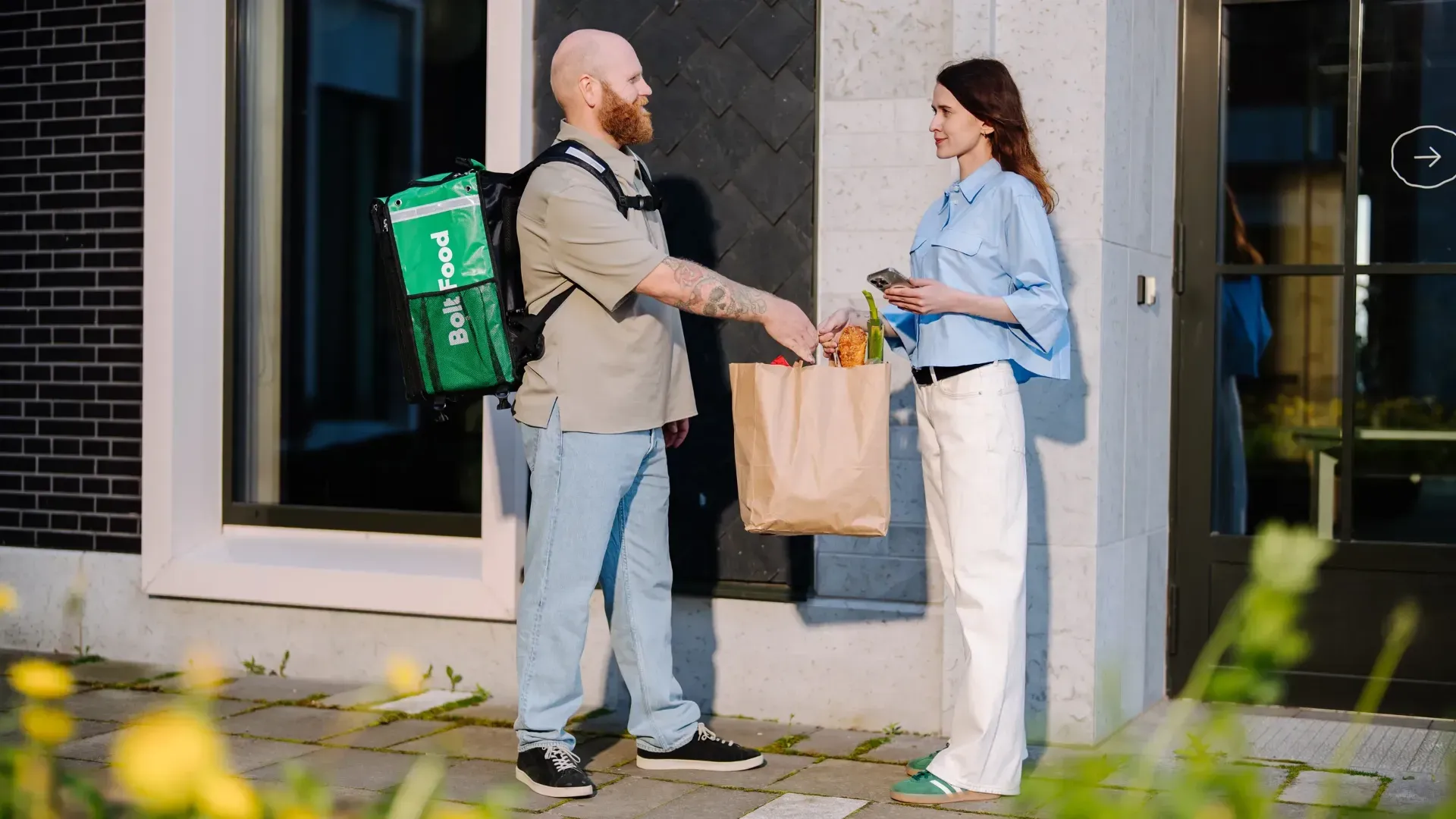
Bolt Courier app
App guide
Step by step: from downloading the app to delivering your first order.
Download the app — Download Bolt Courier from the App Store or Google Play. Log in with the phone number used during registration; the password is sent by SMS.
Go online — When you are ready to deliver, tap "Go Online".
Choose transport — Choose the right transport method, complete the checklist and tap "Confirm".
Identity verification — Verification uses the identity document you registered with. Follow the steps in the app.
Receive orders — When "Looking for orders" appears, you are active. Tap "Go offline" when you want to stop receiving orders.
Main app menu
All Deliveries — delivered orders and current balance.
Earnings — payment structure in your city.
Campaigns — current offers and bonuses.
Inbox — important Bolt Food messages.
Performance — acceptance rate, deliveries and distance.
Profile and Settings — transport mode, sign-out and app settings.
Help — contact support and find essential information.
Full delivery process
Review the restaurant, customer, estimated time and earnings, then accept within the time shown.
At the restaurant, bring your thermal bag, tap "Arrived", verify the order and start delivery.
Follow the safest efficient route and keep the bag stable.
Check customer notes, hand over as instructed and mark the order delivered.