Book a ride for other
Use Ride Booker to book and manage rides for clients, customers, or contractors.
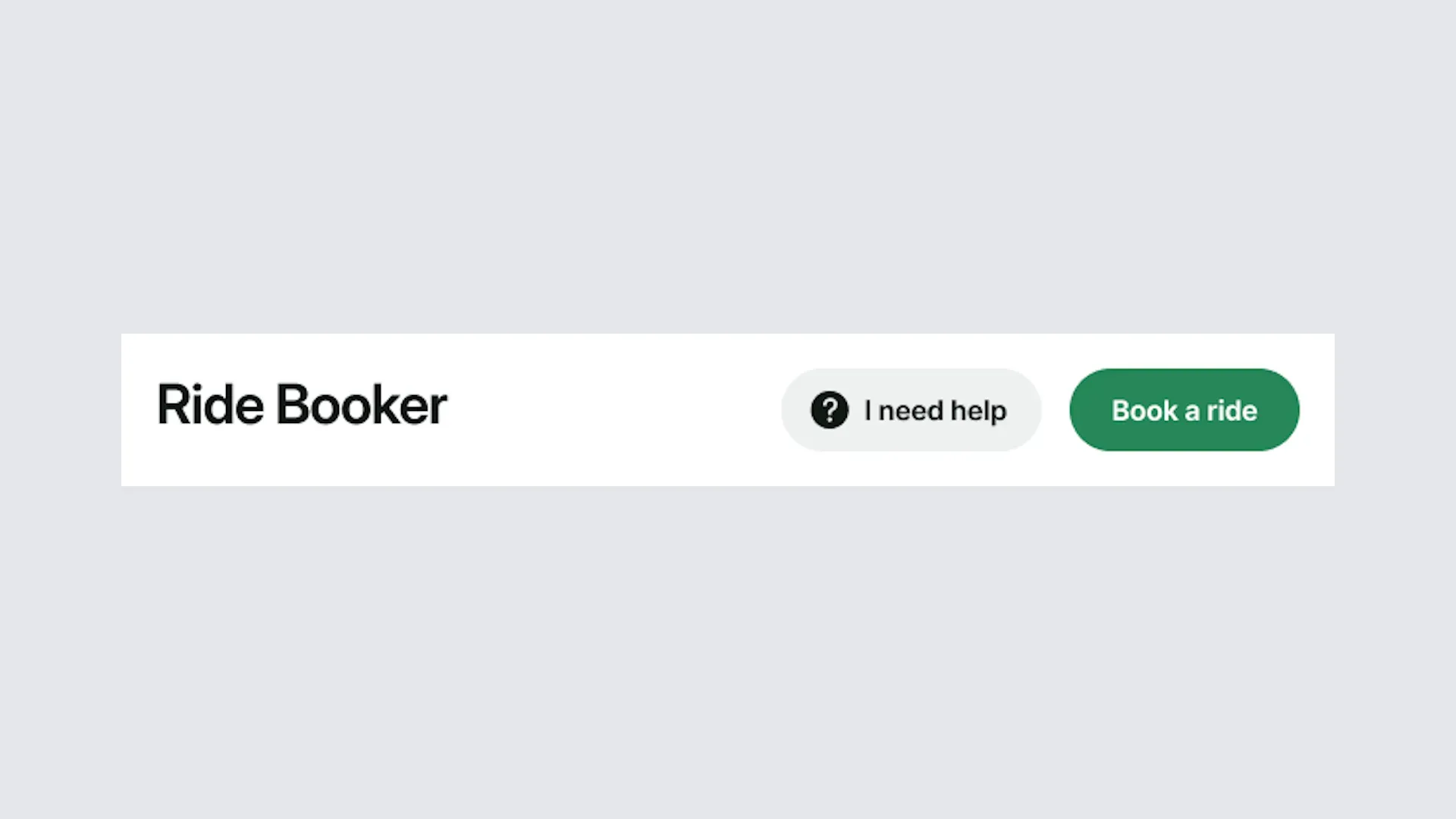
1. Open Ride Booker
There are two ways to open Ride Booker. Portal: sign in to the portal and select Ride Booker from the menu Direct link: go to Ride Booker
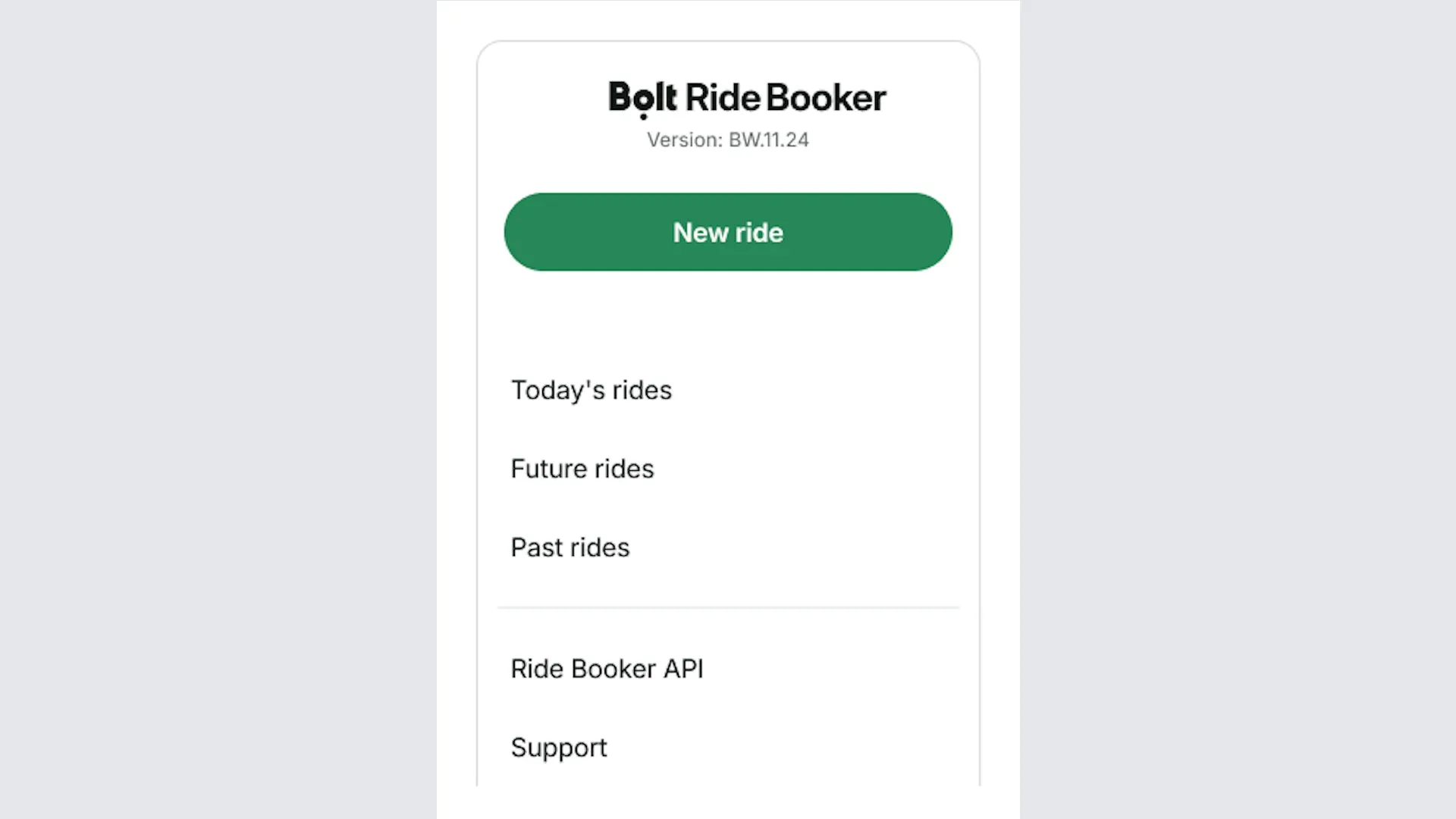
2. Book a ride
Select New ride on the left.
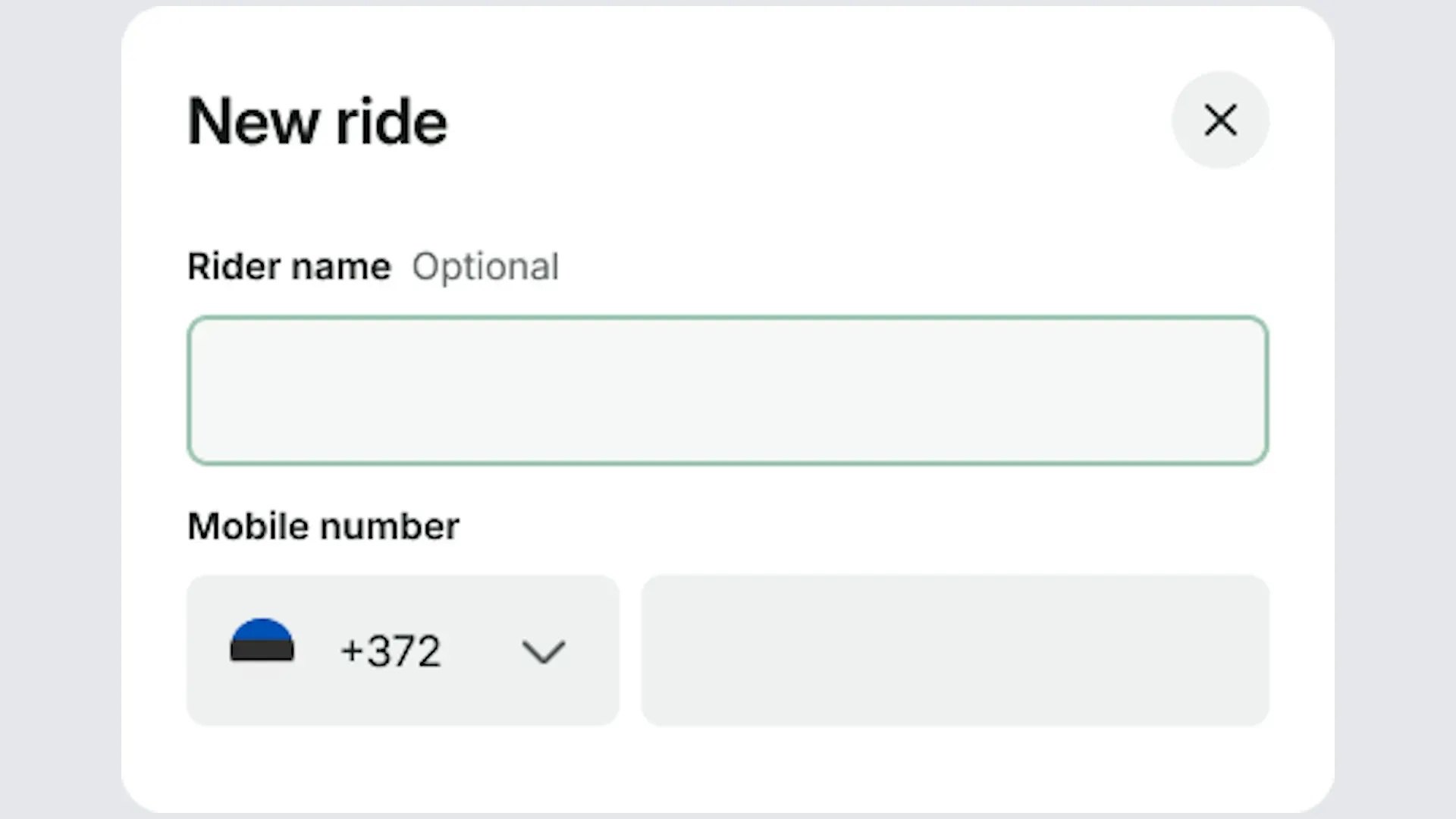
3. Add the rider's details
Fill in the rider's name and phone number, including the country code.
4. Add pickup and dropoff locations
Add the pickup and dropoff locations. You can add multiple stops if needed.
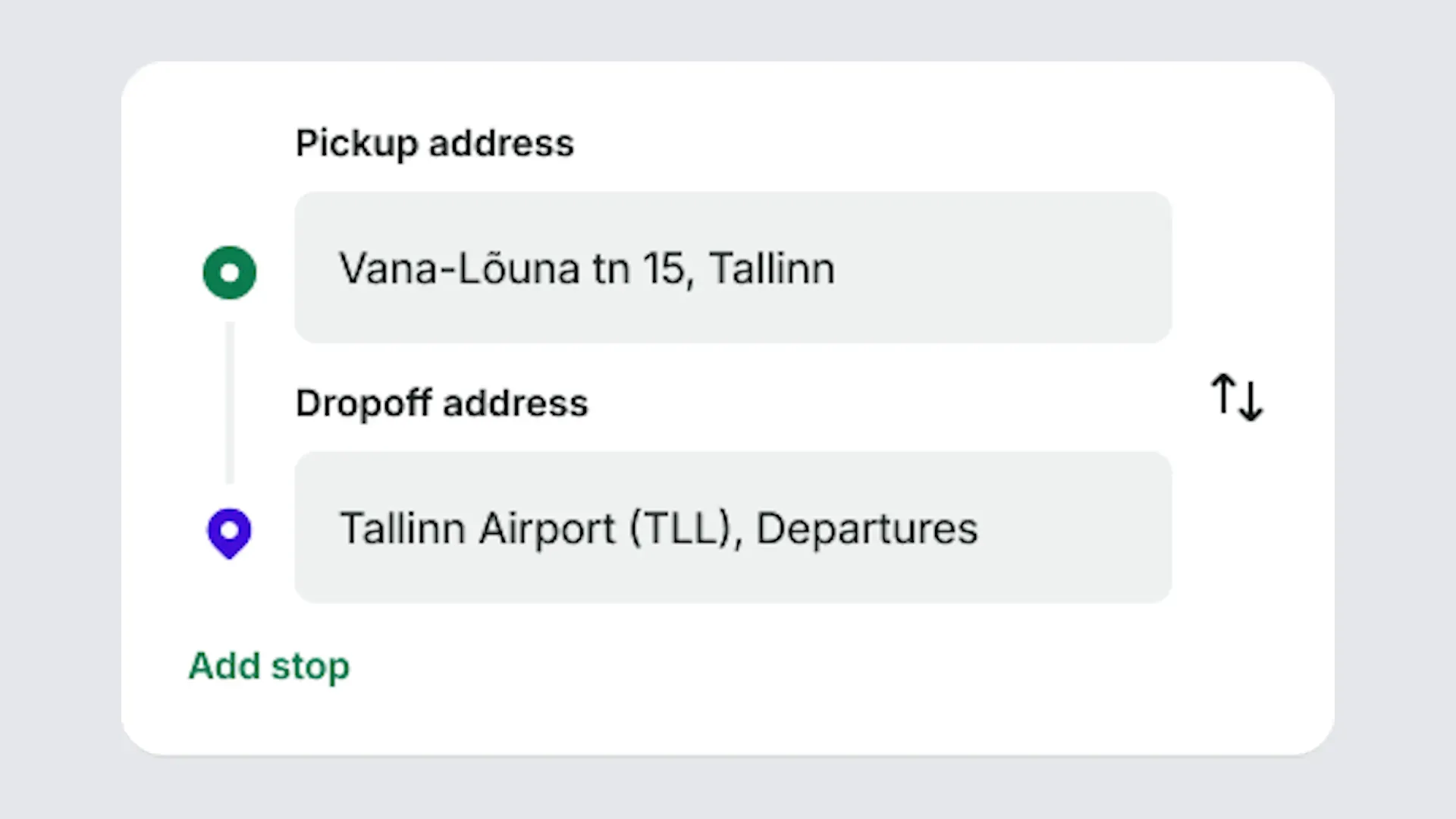
5. Schedule the ride or make a flexible booking
You can schedule the ride for a specific time, or let the rider choose any time on the given date.
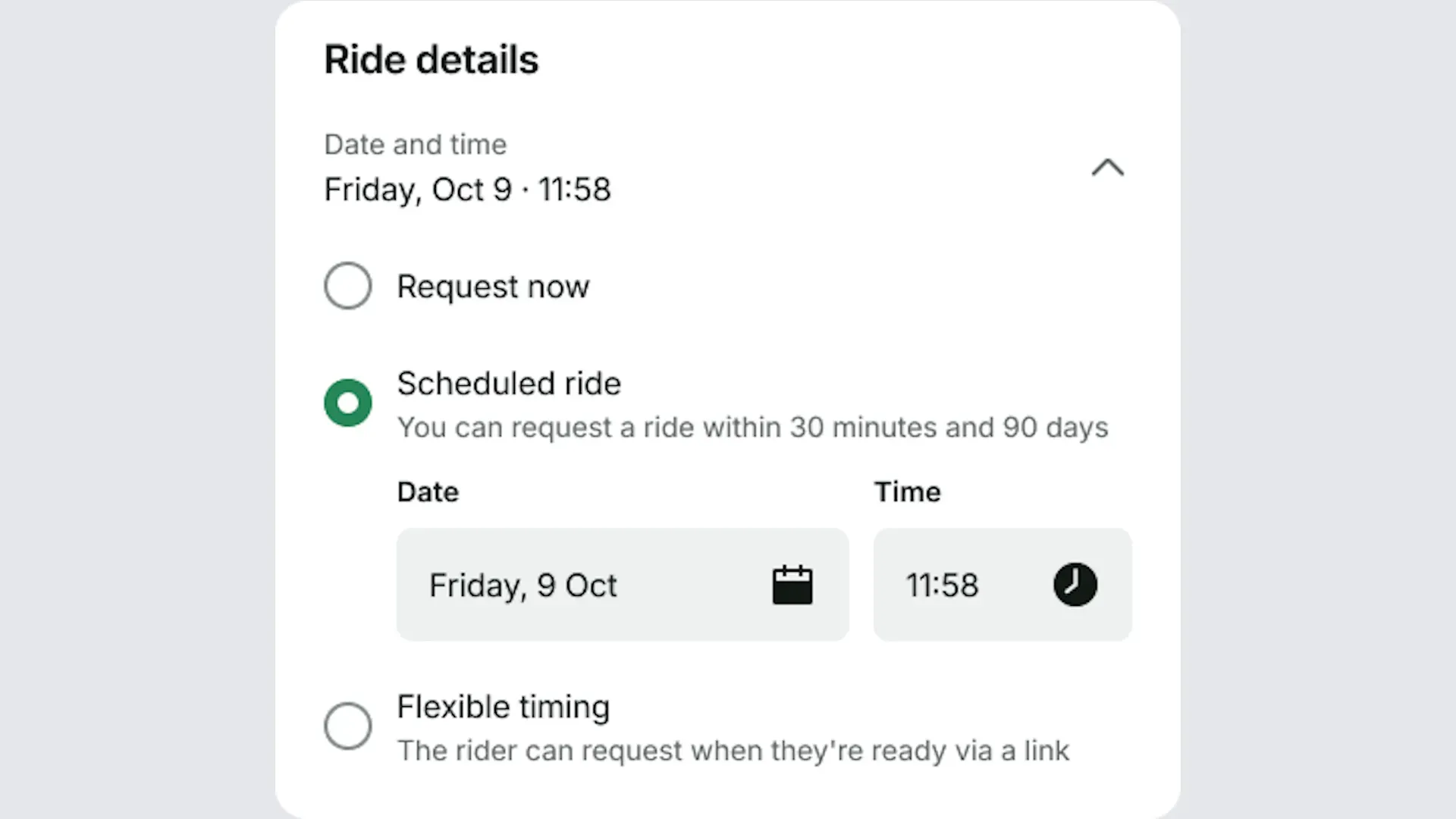
6. Add optional details
You can add an expense note, an expense code, and a note for the driver.
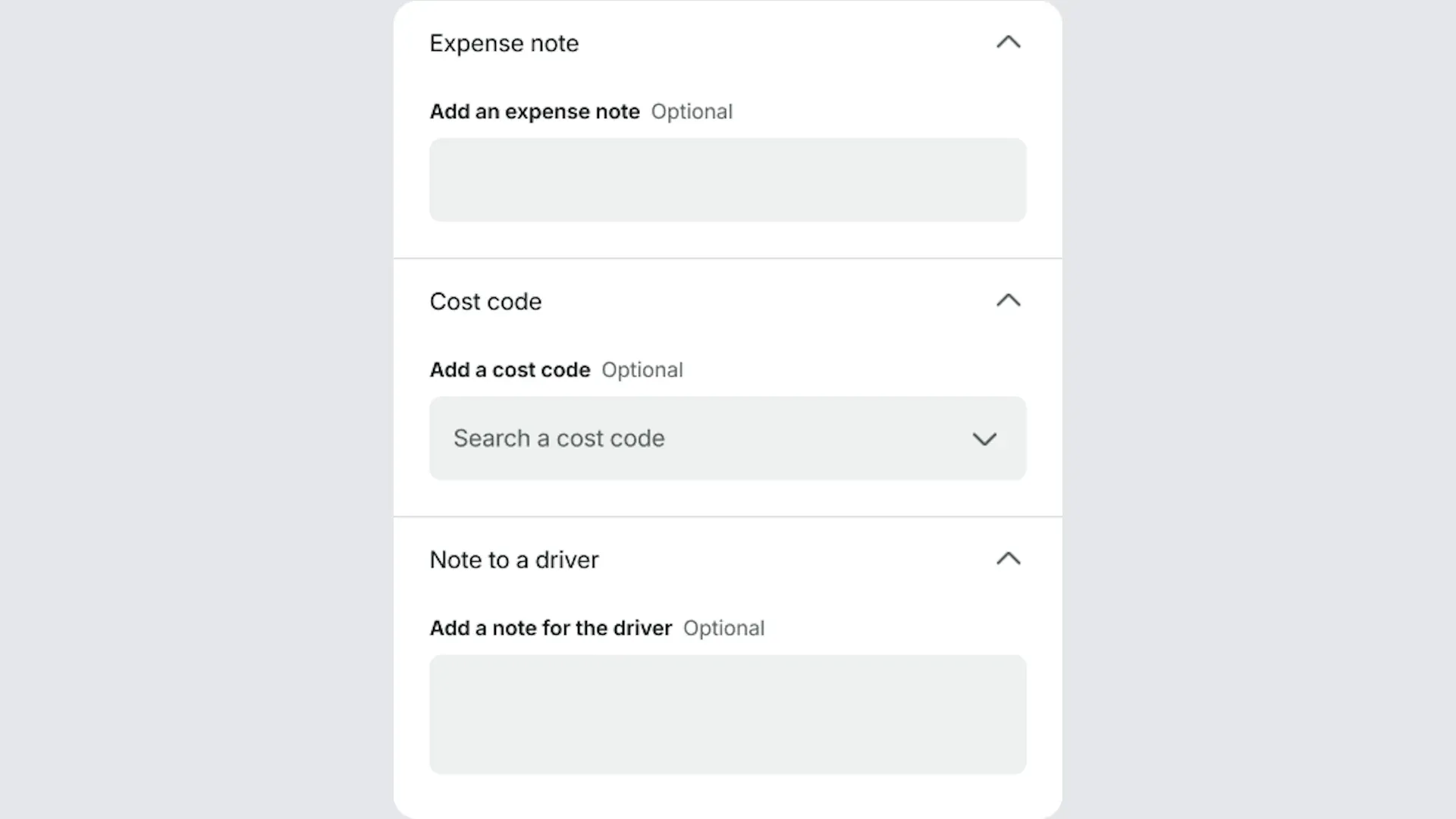
6a. Add an expense note: enter a reason for travel that you can match to your internal costs.
6b. Add an expense code: enter a code to track spending by cost centre or project.
6c. Add a note for the driver: enter anything important the driver should know about the ride.
7. Choose a type of vehicle
Select a type of vehicle for the ride. The list changes depending on the city where the rider is travelling.
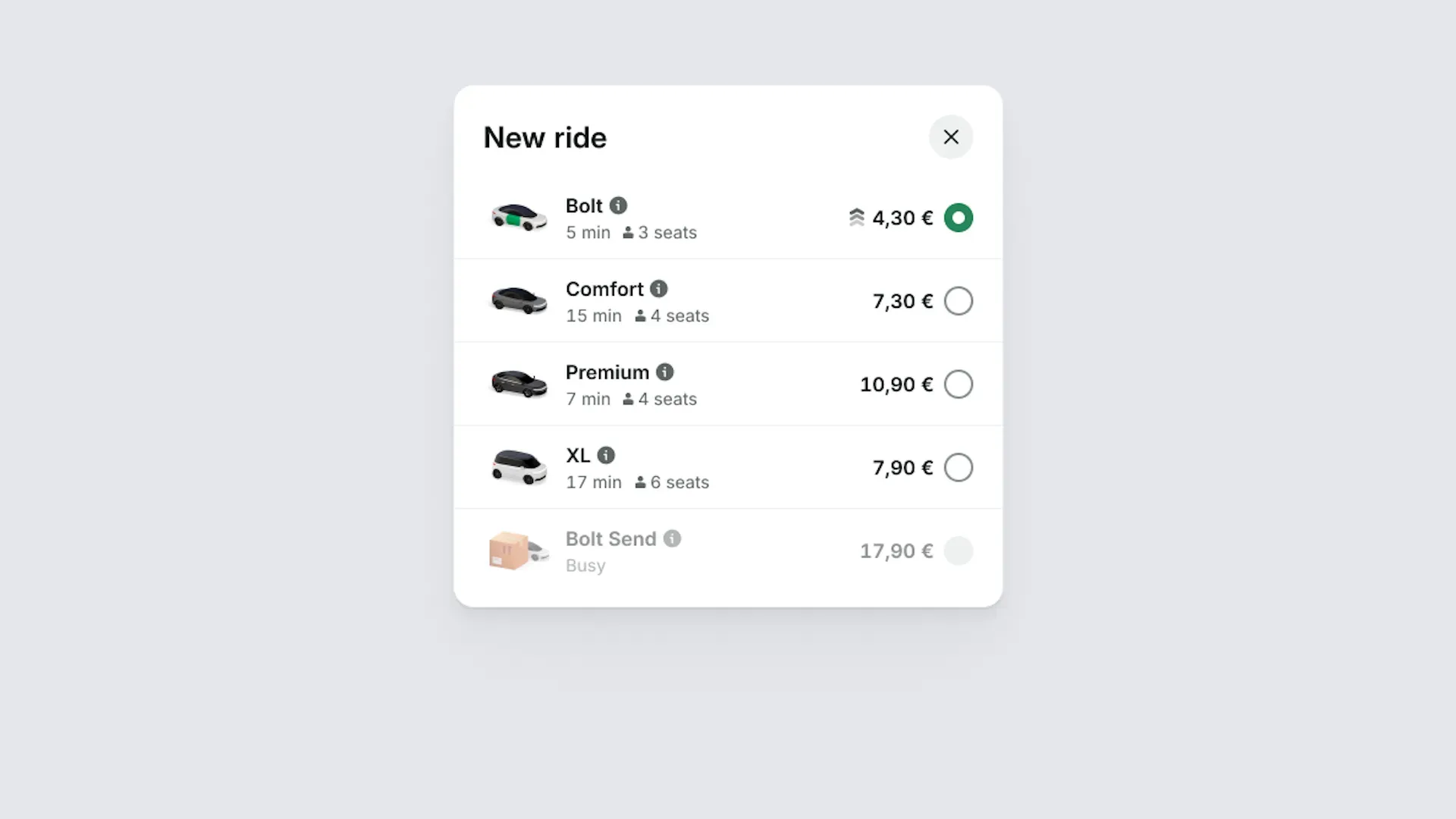
8. Book the ride
Select Request ride. The rider will receive an SMS with the ride details.