Use work payments in the Bolt app
After your company has added you to their Bolt for Business account, you can use the company's payment method in the Bolt app.
1. Open the Bolt app
Download the app first if you don't have it on your phone yet
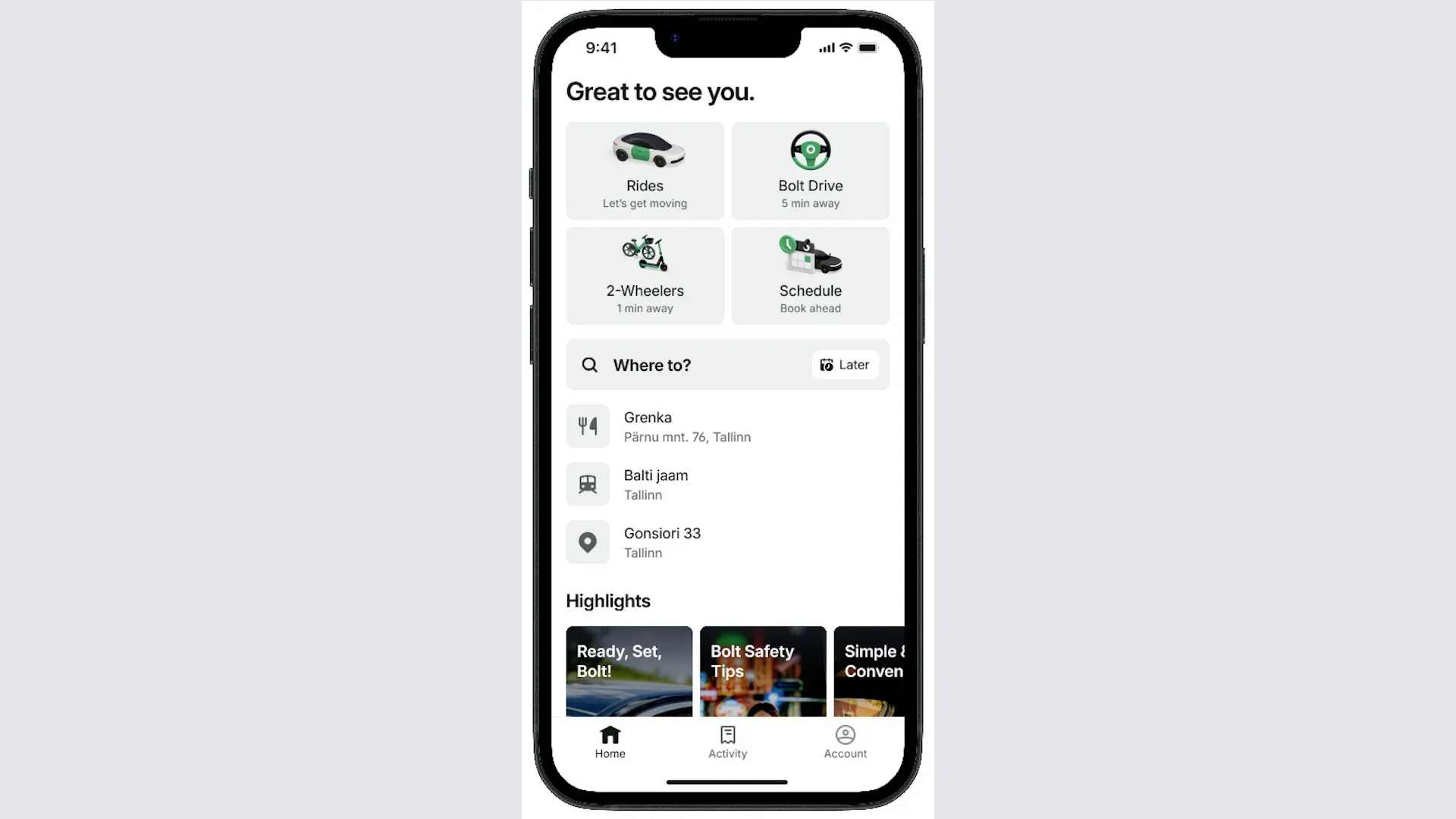
2. Select your destination
Tap Search destination, type where you want to go, and select the correct address from the list
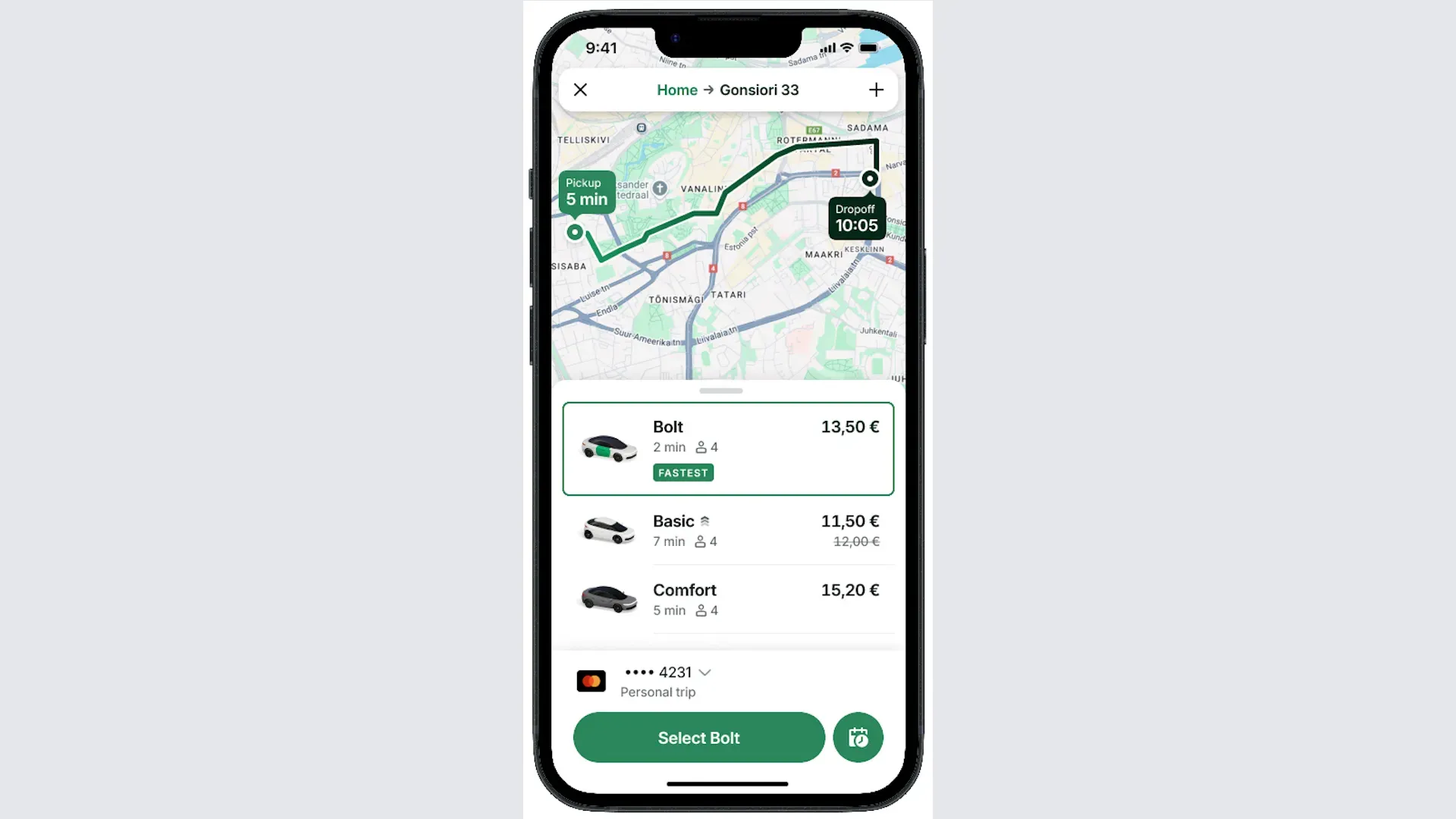
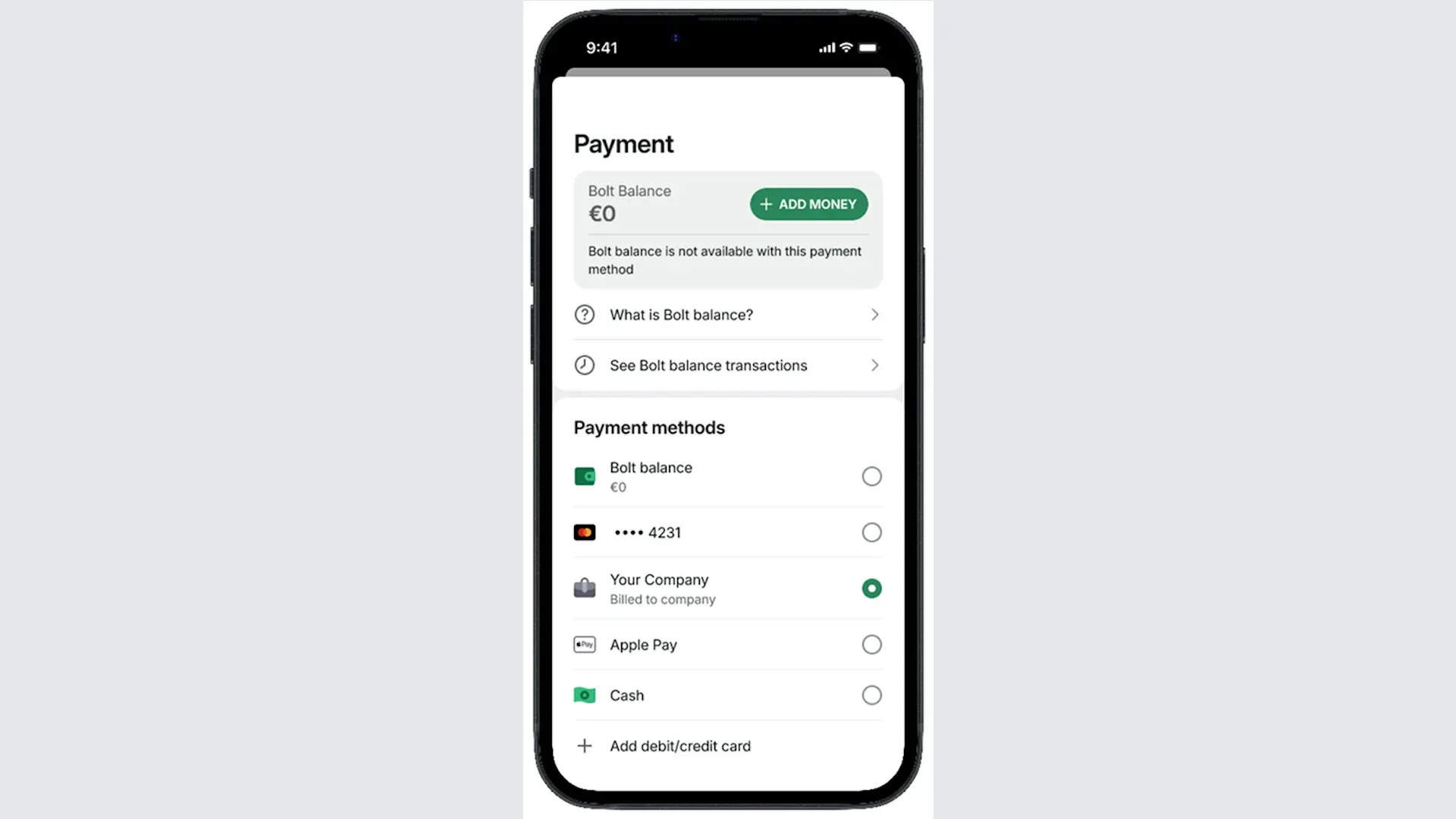
3. Change the payment method
Tap the payment method shown below the categories to change it
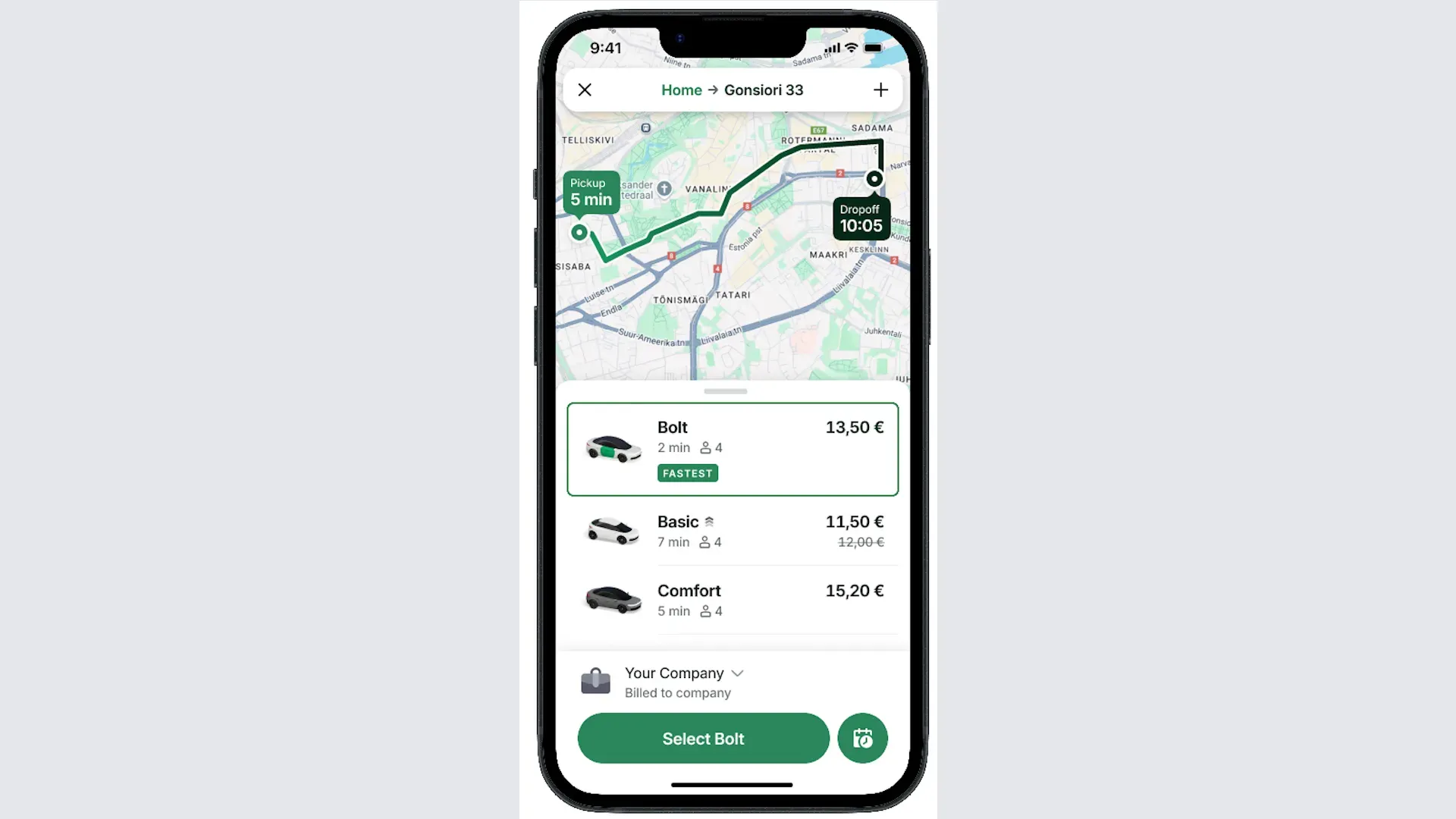
4. Your payment method is set
The company's payment method now shows for your ride. Tap Select book your ride.
6. Add an expense note
Your company may ask for an expense note, such as the reason for your ride. Enter it and confirm your order.