Create group
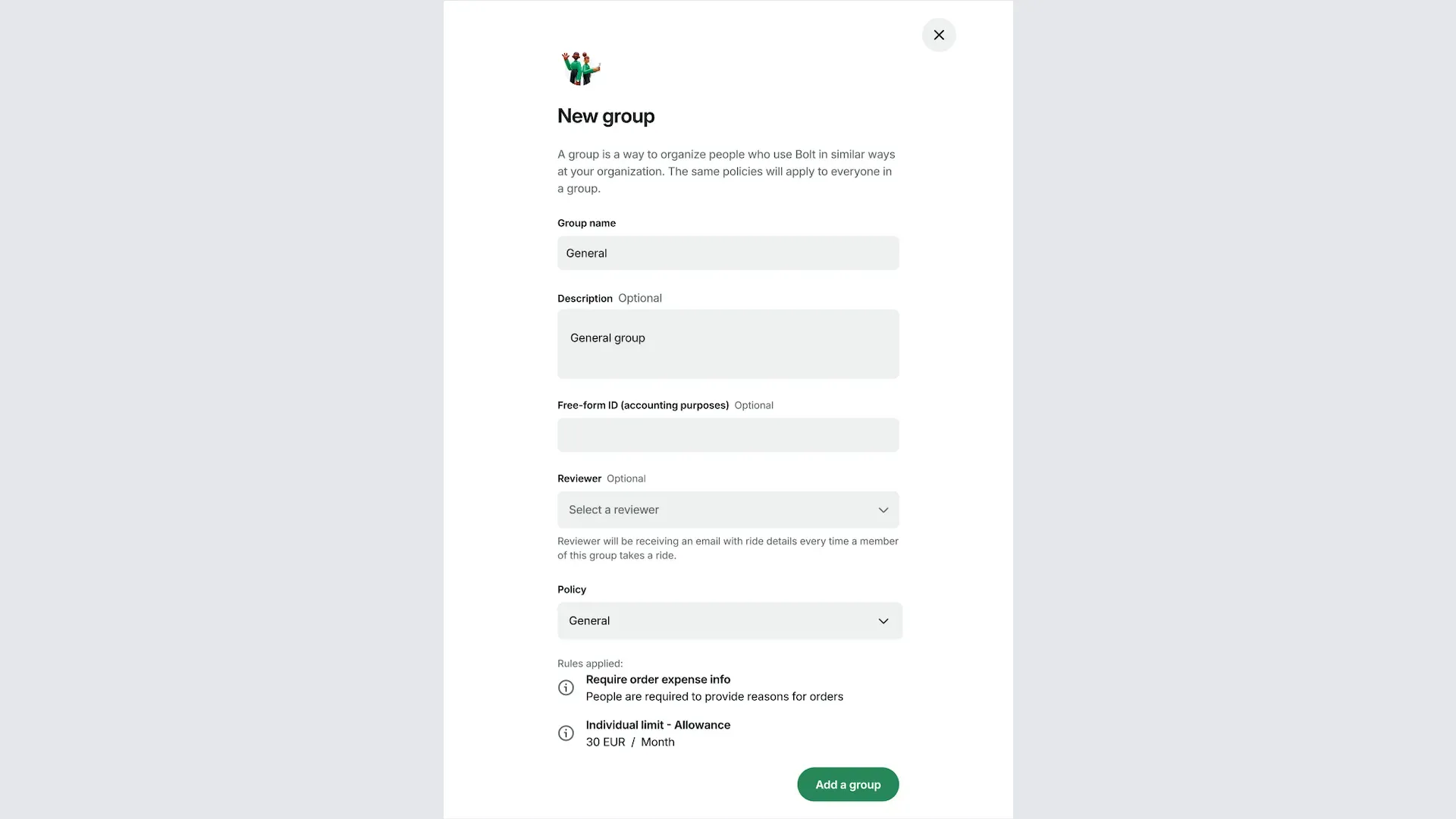
A group is a way to organise members who use Bolt in similar ways at your company. The same policy applies to every member in a group.
1. Open Groups
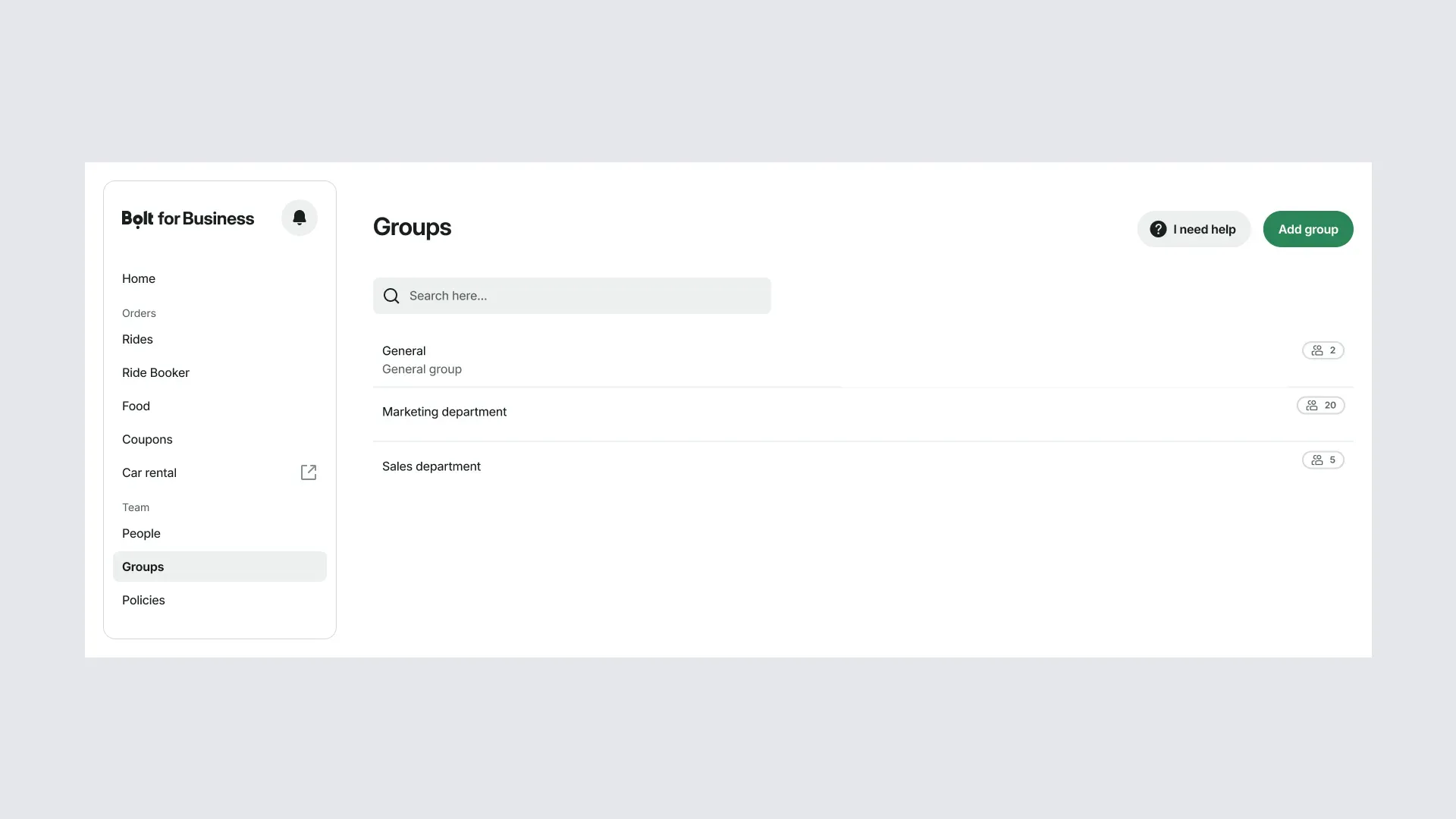
Go to Groups in the portal and add or select the group you want to connect to a policy.
2. Name the group and select a policy
Enter a name for the group and select a policy. The rules from the policy are listed under Rules applied. Then save your changes.
3. View and edit your groups
All the groups are listed under Groups. Open a group to check or edit it at any time.