Order meals and groceries to the office
Give your team the fuel to deliver their best work by allowing certain members to order meals and groceries with the Bolt Food app.
1. Open Policies
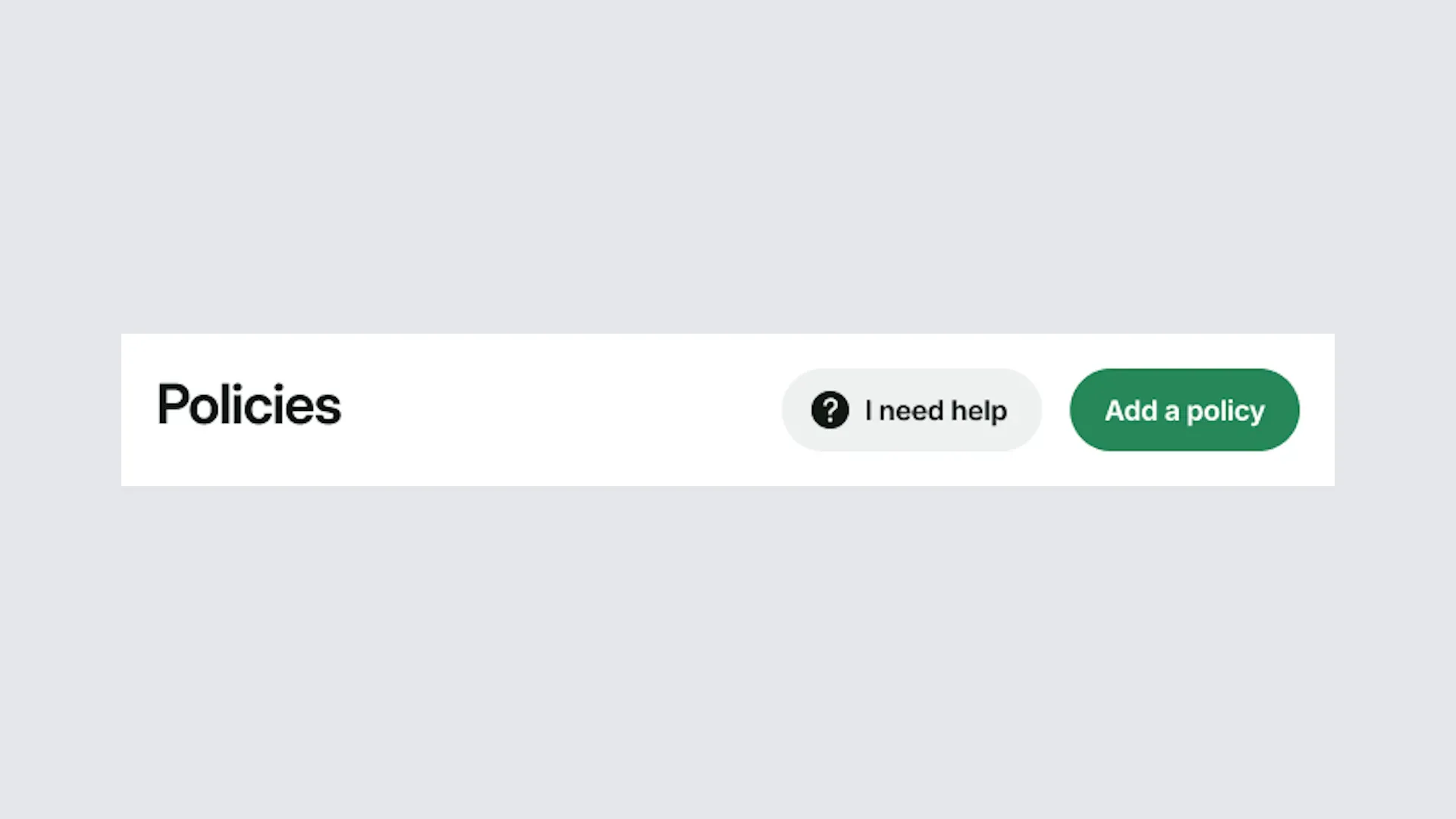
Sign in to the portal and select Policies from the menu. Then select an existing policy or Add a policy.
2. Go to Service type
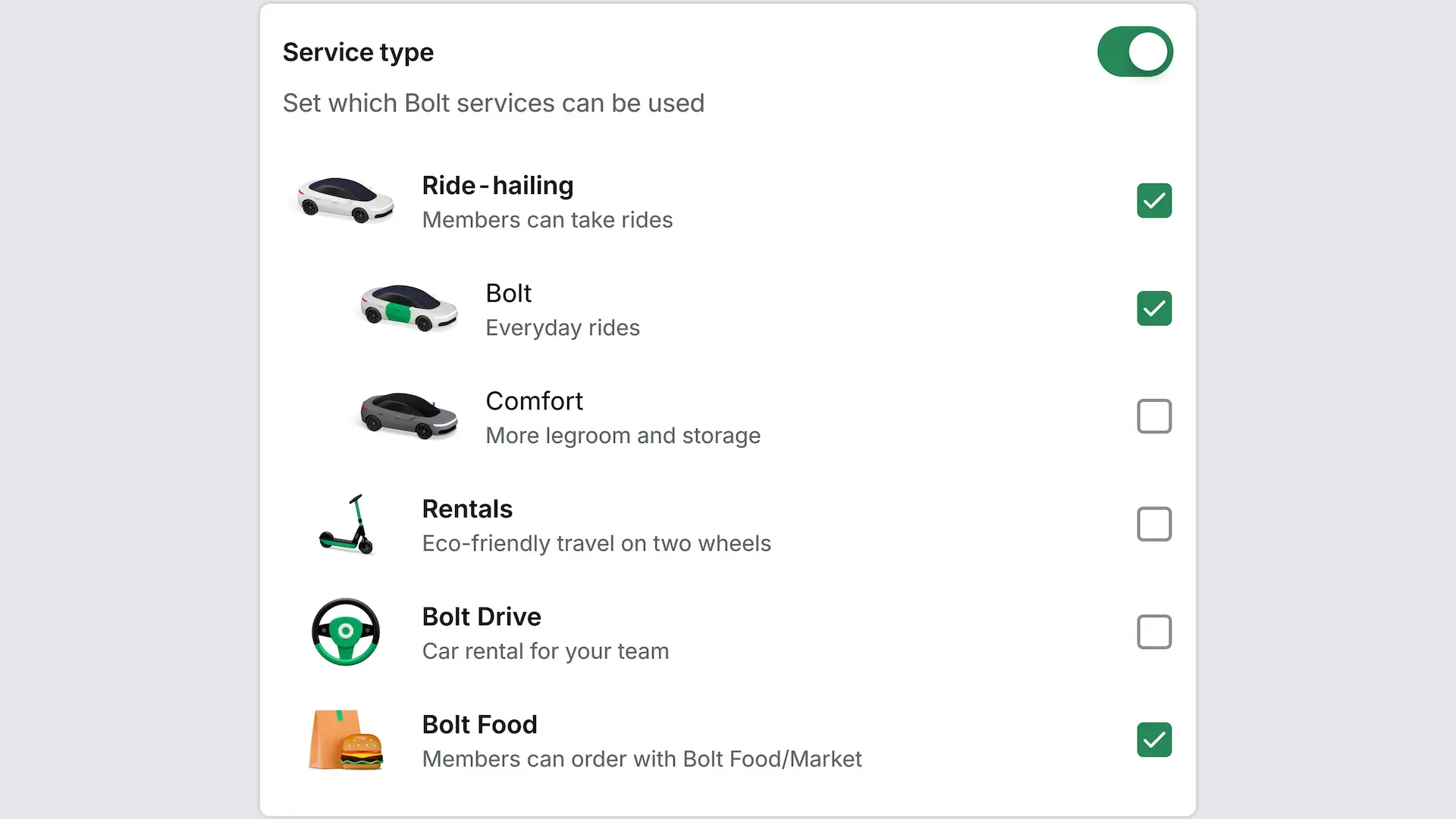
Under Rules, scroll down to Service type and turn it on.
4. Select Bolt Food
Select the Bolt Food checkbox and save the policy.
5. Connect the policy to a group
A policy only applies to the groups it's connected to. Go to Groups, open the group your members are in, select the policy, then select Update group. Tip: Create a group just for the people who order meals and groceries for the office, such as office managers or team assistants. Then connect your Bolt Food policy to that group, and only its members can order.