Add a driver to your Bolt fleet
- In the Bolt Fleet portal, go to Supply, then Drivers, then Applications.
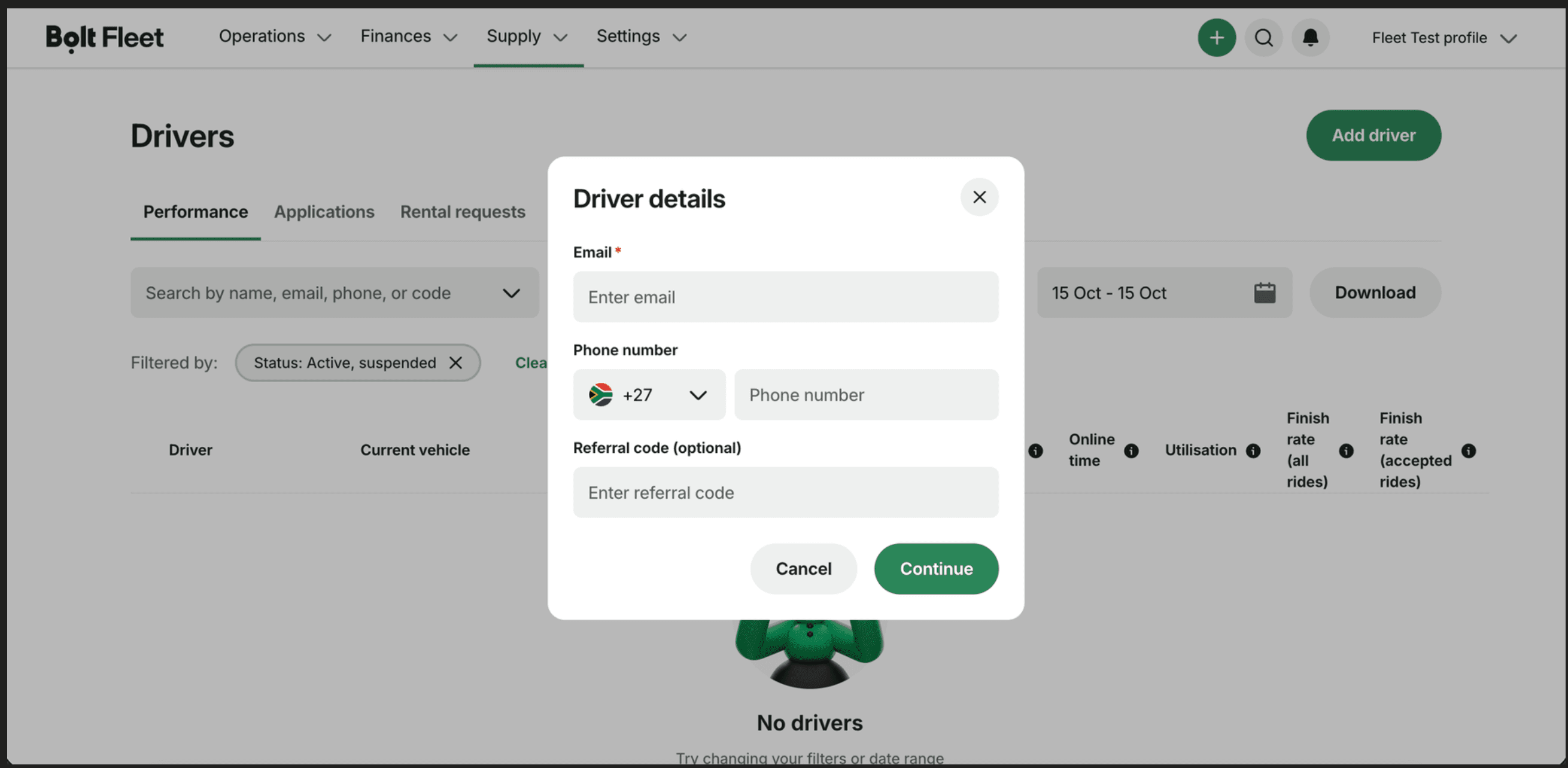
- Select Add driver.
- Enter the driver’s email address and cell phone number, then select Continue
If the driver already has a Bolt profile, both details must match it exactly. They’ll receive an email invitation and join your fleet once they accept.
New driver?
If there’s no match, the application shows In progress with a signup link. Either share the link so the driver can register themselves, or complete the registration on their behalf. Either way, you’ll need:
- A valid PrDP
- A criminal record check
- A clear profile photo: a headshot with no hat or sunglasses
Make money driving with Bolt
Become a Bolt driver, set your schedule and earn money by driving!
Be your own boss. Start driving and earning!
It takes just 2 minutes to submit your information.
