Car linking and application process
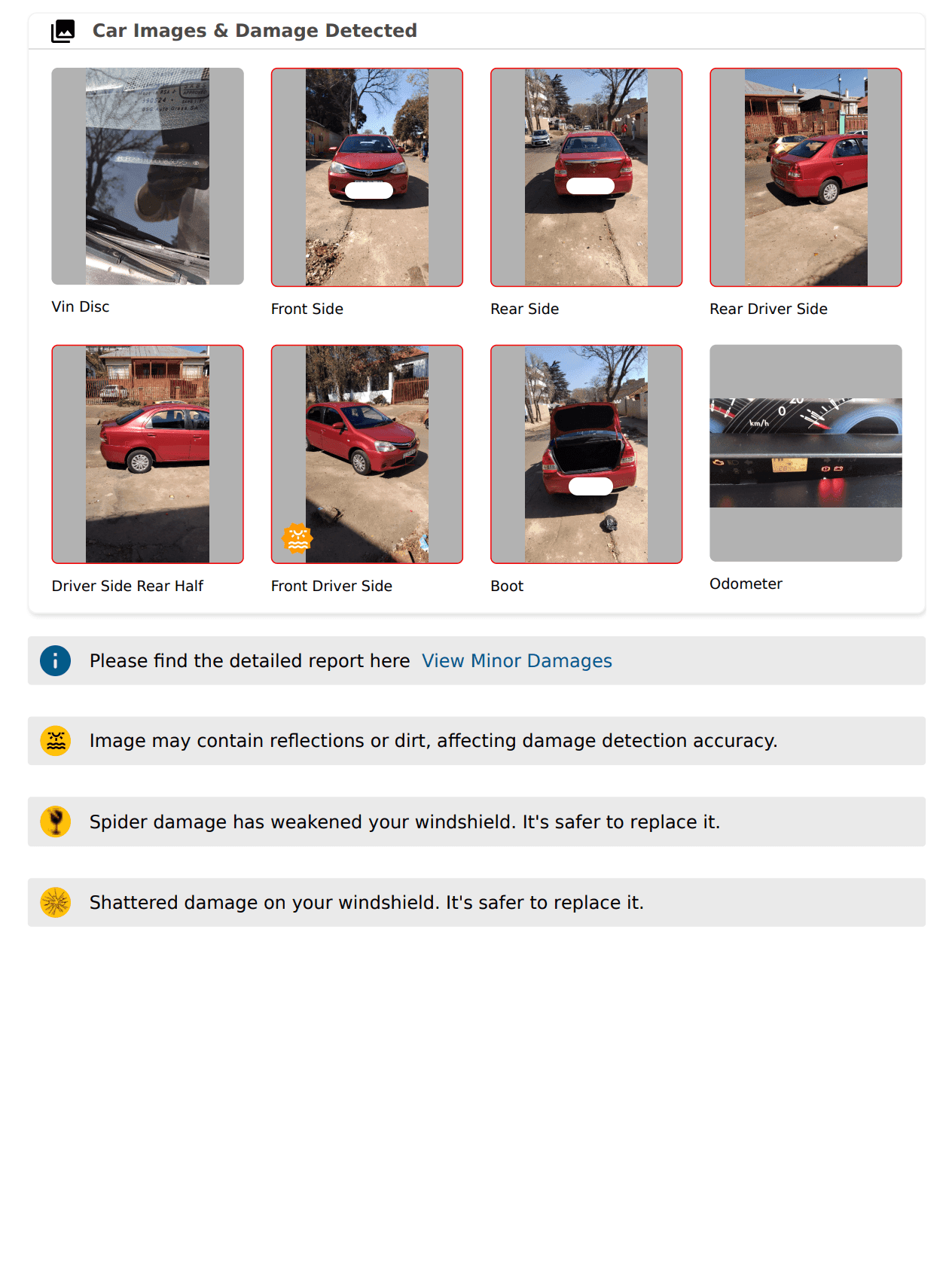
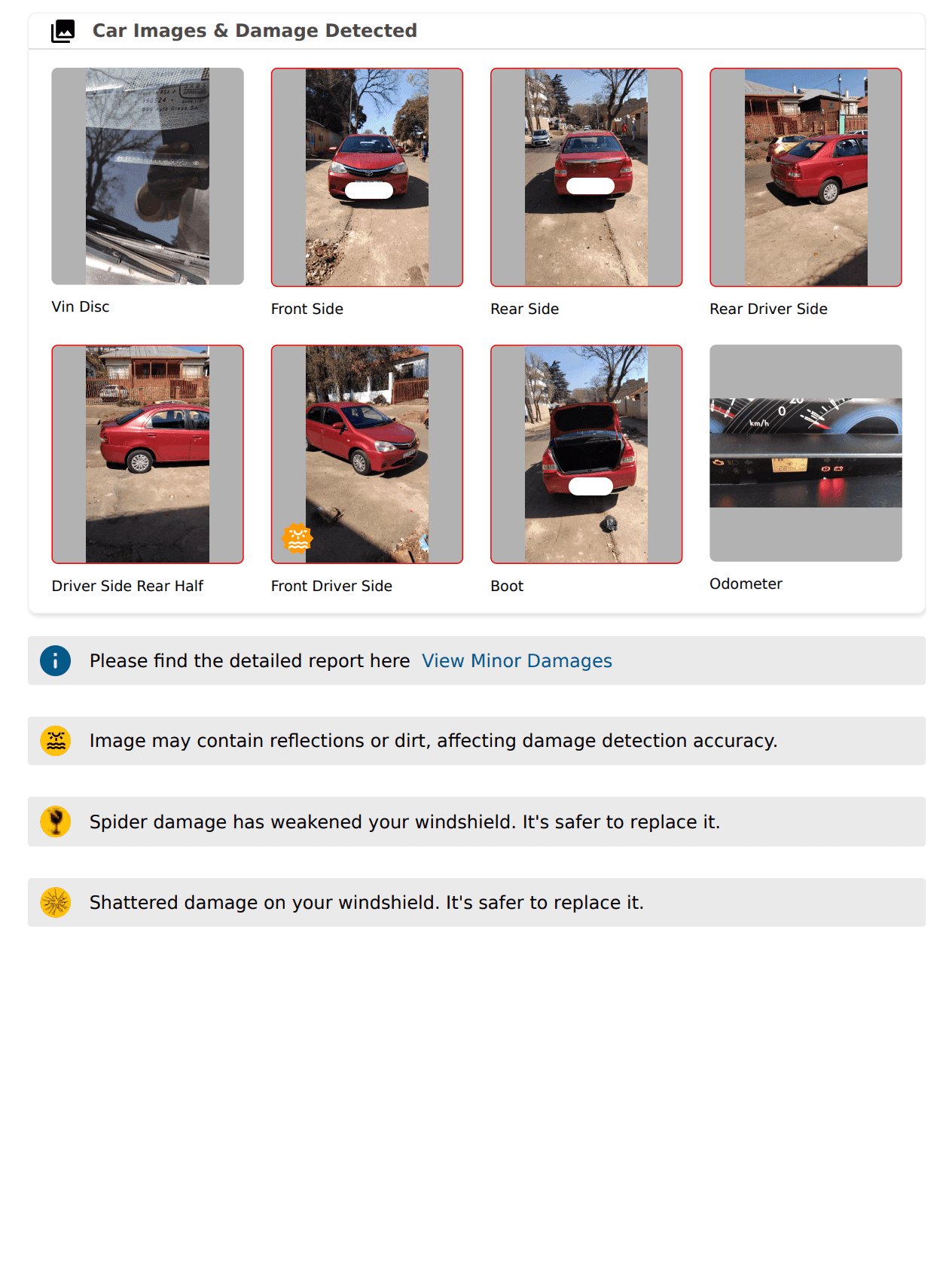
Adding your car is quick and easy. Inspect your car, then link it in the app. You only need a cARScan inspection report (PDF).
What are the required documents?
cARScan digital inspection report (PDF). That’s all you need. Download the cARScan app and complete the inspection.
Car Applications Step-by-Step
Different vehicles qualify for different Bolt categories. Each category has its own minimum CARScan score that your vehicle must meet to be approved. Read more about vehicle categories
Open the Bolt Driver app
Go to Settings
Click on vehicles
Select Add new vehicle
Enter your licence plate without any spaces or dashes
Enter car details
Upload the cARscan digital inspection report PDF
Use your car license disc expiry date
FAQ
Log into your Bolt Driver App and go to the settings.
You must have your CarScan digital inspecton report.
CarScan report will be available at 7am the next day from the date of inspection .
The cost for the CarScan report is R249, payable by card before starting the self inspection.
Make money driving with Bolt
Become a Bolt driver, set your schedule and earn money by driving!
Be your own boss. Start driving and earning!
It takes just 2 minutes to submit your information.
